






About Paper Fighter 3D
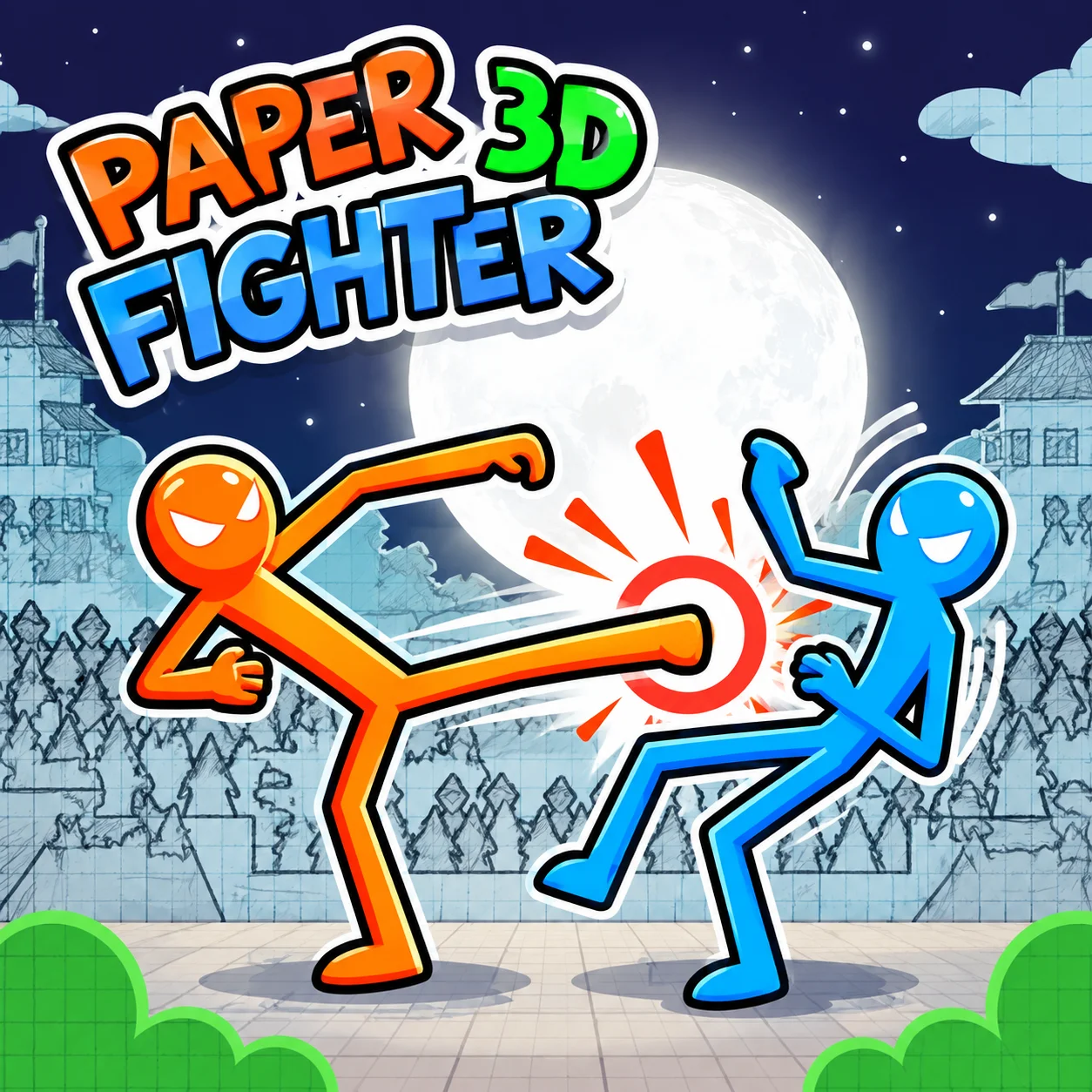
Paper Fighter 3D keeps its main interaction clear: fighting another stick figure with separate movement and attack controls. The rest of the action game design supports that choice.
Two stick fighters face each other in a local match. Player 1 uses WASD with F/G/H for attacks, while Player 2 uses the arrow keys with K/L/O.
How to Play Paper Fighter 3D
- Start: Two stick fighters face each other in a local match.
- Set up the move: Player 1 uses WASD with F/G/H for attacks, while Player 2 uses the arrow keys with K/L/O.
- Make the main action: Keep movement and attack inputs separate in your head; reaching the right range comes before the strike.
Controls
Paper Fighter 3D is played in the browser with WASD to move, F to punch, G to kick, H for the special and Arrow Keys, K, L, O.
Two Fighters, Two Control Schemes
Paper Fighter 3D is built for two players, with one player using WASD plus F/G/H and the other using the arrow keys plus K/L/O.
The important consequence is that the mechanic can be planned around before the action happens.
Preparing for the consequence is usually more reliable than correcting the situation after it appears.
A calm attempt can outperform a faster one even when both use the same control.
Punch, Kick and Special Moves Stay Separate
The combat controls are divided into three attack inputs instead of one generic strike.
That gives each player a small fighting toolkit to work with inside the same arena.
Paper Fighter 3D starts asking more from you when the mechanic has to be planned around before the action happens.
That gives you a clear reference point for the next Paper Fighter 3D attempt.
The Two-Player Layout Is Part of the Challenge
Both fighters share the same arena but use completely different key groups.
Each player has movement plus three distinct attack inputs to manage.
The rule looks simple in Paper Fighter 3D, but the consequence still needs to be considered before the action.
Preparing for the consequence is usually more reliable than correcting the situation after it appears. If a Paper Fighter 3D attempt fails, compare the setup immediately before the action with the setup that worked instead of repeating the same input.
Tips That Matter
- Keep movement and attack inputs separate in your head; reaching the right range comes before the strike.
- Set up the next move before committing to the current one.
- Use the simplest safe route when the game gives you more than one way to approach the same target.
- After a failed Paper Fighter 3D attempt, change the setup that caused the problem rather than repeating the same input.
FAQ
What is the main goal in Paper Fighter 3D?
The main interaction is fighting another stick figure with separate movement and attack controls.
How do you control Paper Fighter 3D?
Use P1: WASD to move, F to punch, G to kick, H for the special. P2: Arrow keys, K, L, O.
What is the core challenge?
Two stick fighters face each other in a local match.
What should you know about Two Fighters, Two Control Schemes?
Paper Fighter 3D is built for two players, with one player using WASD plus F/G/H and the other using the arrow keys plus K/L/O.
What should you know about Punch, Kick and Special Moves Stay Separate?
The combat controls are divided into three attack inputs instead of one generic strike.
What is a useful beginner tip?
In your first few attempts, keep movement and attack inputs separate in your head; reaching the right range comes before the strike.
What changes once you understand the main mechanic?
Once the basics are familiar, both fighters share the same arena but use completely different key groups.
More Games Like This
3D Moto Simulator 2
Bottle Jump 3D

Cannon Balls 3D
Crowd Run 3D

Curve Ball 3D
Death Run 3D
Dog Simulator 3D
Dragon Simulator 3D
Fox Simulator 3D
Geometry Dash 3D
Horse Simulator 3D