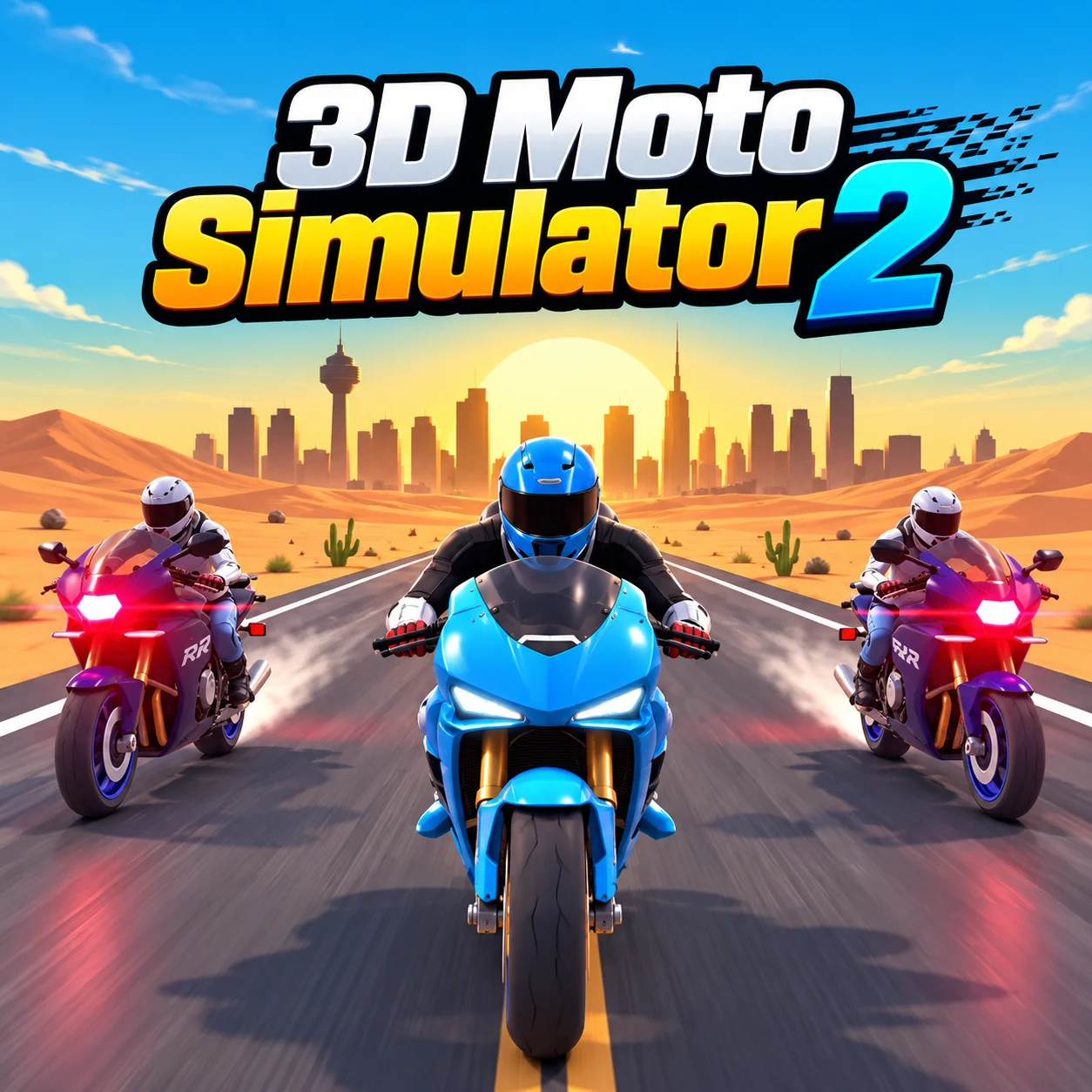




About 3D Moto Simulator 2
Rather than spreading the controls across many systems, 3D Moto Simulator 2 concentrates on riding a motorcycle through a 3D environment and its driving challenges.
It is a 3D simulator.
Ride the motorcycle around the 3D environment and complete its driving challenges.
WASD or the arrow keys steer, Space brakes and the mouse controls the camera. The first challenge is usually getting comfortable with the relationship between movement and the 3D camera.
How to Play 3D Moto Simulator 2
- Start: Ride the motorcycle around the 3D environment and complete its driving challenges.
- Set up the move: WASD or the arrow keys steer, Space brakes and the mouse controls the camera.
- Make the main action: Spend the first few moments getting used to movement, camera direction and stopping distance before trying to complete a difficult objective.
- Read the result: In a 3D space, a small camera mistake can make a simple route feel harder than it is.
- Keep the run going: Set your camera angle before a turn so the motorcycle's movement is easier to judge.
Controls
3D Moto Simulator 2 is played in the browser with WASD or Arrow Keys, Space, and Mouse.
Free-Ride Motorbike Movement
3D Moto Simulator 2 puts you on a motorcycle in a 3D environment with driving challenges rather than a single fixed race route. the simple input hides a more specific decision about what the mechanic needs before the action happens.
That gives you a clear reference point for the next 3D Moto Simulator 2 attempt. a calm attempt can outperform a faster one even when both use the same control.
Camera and Bike Movement Work Together
The keyboard handles the bike while the mouse changes the camera view. The combination is useful when approaching turns because you can look through the environment while keeping control of the motorcycle.
A controlled attempt starts by preparing the mechanic before the action happens rather than reacting afterward.
Preparing for the consequence is usually more reliable than correcting the situation after it appears.
The difference becomes most visible in 3D Moto Simulator 2 when the screen gets busy, the route narrows, or the available choices start to shrink.
The Motorcycle Needs Its Own Space
A bike moves differently from a car, and the simulator gives you a 3D environment to work with.
Camera positioning becomes useful when judging corners and open areas.
A good way to read 3D Moto Simulator 2 is to notice how its mechanic can be prepared before the action happens.
That gives you a clear reference point for the next 3D Moto Simulator 2 attempt.
Using the 3D space to your advantage
Free-ride motorbike movement is closely connected to camera and bike movement work together.
The keyboard handles the bike while the mouse changes the camera view.
The combination is useful when approaching turns because you can look through the environment while keeping control of the motorcycle.
Because the game is presented as a 3D environment, the same destination can feel easy or awkward depending on the camera angle and the amount of room available to turn.
Practical Tips
- Set your camera angle before a turn so the motorcycle's movement is easier to judge.
- Learn the camera and movement together before attempting a difficult task.
- Slow down before turns, narrow routes or unfamiliar areas instead of correcting after the vehicle or character is already off line.
- Use the early exploration period to understand where the next objective sits in the environment.
FAQ
What is the main activity in 3D Moto Simulator 2?
It concentrates on riding a motorcycle through a 3D environment and its driving challenges.
How do you control the game?
Use WASD or arrow keys to drive; Space to brake; mouse to rotate the camera.
What can you do during a session?
Ride the motorcycle around the 3D environment and complete its driving challenges.
What should you know about Free-Ride Motorbike Movement?
3D Moto Simulator 2 puts you on a motorcycle in a 3D environment with driving challenges rather than a single fixed race route.
What should you know about Camera and Bike Movement Work Together?
The keyboard handles the bike while the mouse changes the camera view.
What should you practice first?
In your first few attempts, set your camera angle before a turn so the motorcycle's movement is easier to judge.
What changes as you become more comfortable with the controls?
Once the basics are familiar, a bike moves differently from a car, and the simulator gives you a 3D environment to work with.
More Games Like This
Death Run 3D
Geometry Dash 3D

Stack Bump 3D
Two Ball 3D Dark

1010 Color Match
2048 Hexa Merge Block

99 Balls

American Football Challenge

Ball Rush
Ball Sort Puzzle

Balls Avoid