


About Curve Ball 3D
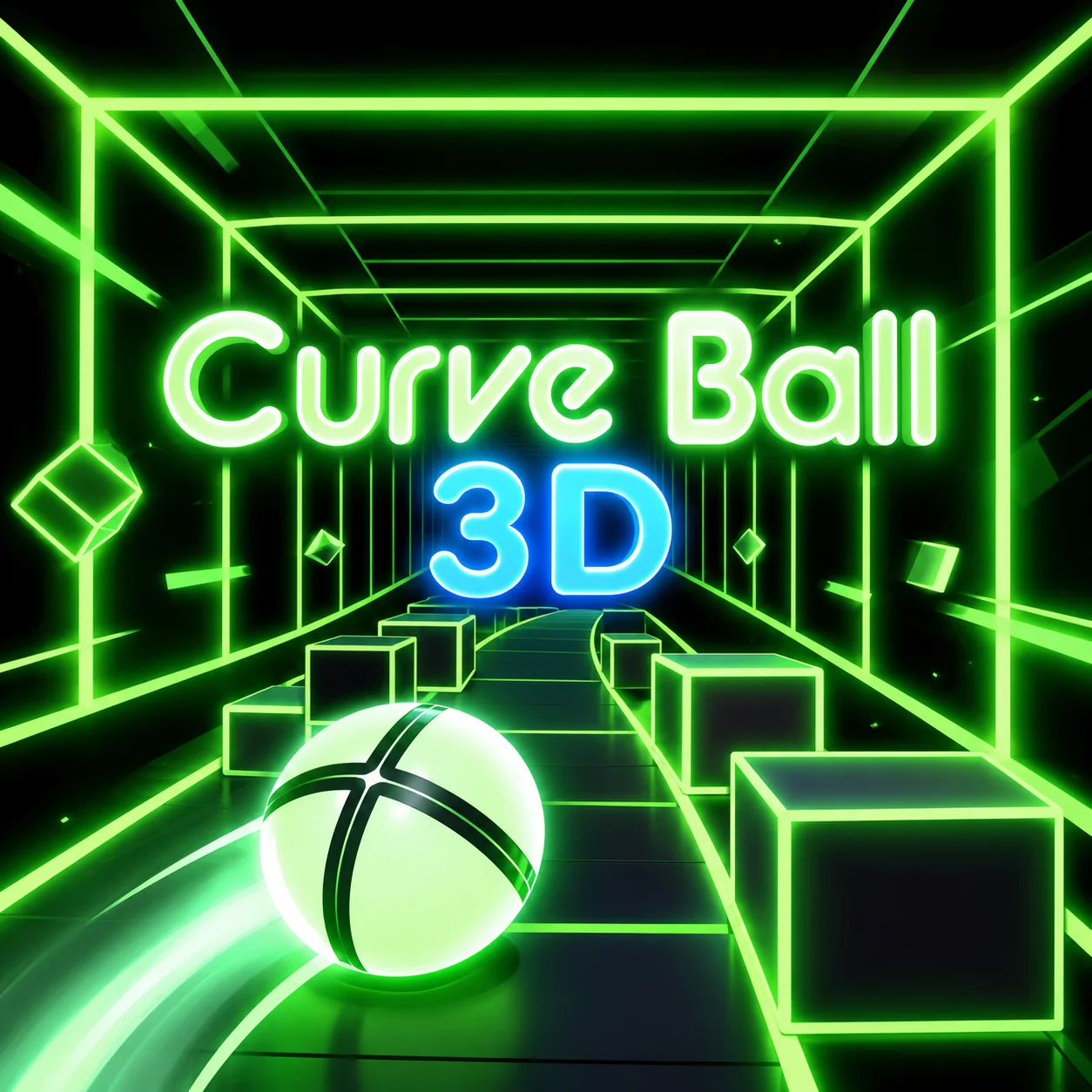
Most of Curve Ball 3D's gameplay comes down to returning a ball in a 3D tunnel and using the paddle to add spin. It is presented as an arcade skill game.
Move the paddle with the mouse to return the ball through the 3D tunnel.
Missing the ball costs a life, while contacting it with the paddle's edge can add spin.
The central interaction in Curve Ball 3D is quick to understand, but repeated attempts expose the timing behind it.
How to Play Curve Ball 3D
- Move the paddle with the mouse to return the ball through the 3D tunnel.
- Missing the ball costs a life, while contacting it with the paddle's edge can add spin.
- The first attempts in Curve Ball 3D are useful for learning the timing of the main interaction.
- Rather than trying to maximize the score in Curve Ball 3D immediately, identify what the screen looks like just before a successful move and use that cue on the next attempt.
- Use the edge of the paddle when you want to add spin to the return.
Controls
Curve Ball 3D uses a single input — Mouse — so a desktop or laptop browser is a comfortable way to play.
The Paddle Can Add Spin
Curve Ball 3D places you in a 3D tunnel and uses a paddle to return the incoming ball. Hitting with the edge can add spin and change the ball's path.
The mechanic matters because it can be planned for before the action happens.
Missing Costs a Life
The exchange is not forgiving: fail to meet the ball and a life is lost.
That makes paddle positioning important before the ball reaches the last part of its approach.
Spin Adds Another Layer to the Return
The paddle can do more than block the ball.
Contact near its edge can alter the return, giving you a way to influence the next exchange.
Once the mechanic is understood in Curve Ball 3D, you can plan around it before the action happens.
Curve Ball 3D becomes easier to manage when the mechanic is treated as part of a sequence rather than a single action.
The Edge of the Paddle Adds Spin
The ball does not have to return on a neutral path.
Contact near the paddle's edge can add spin and change the next trajectory, which gives you another way to make an opponent's return difficult.
The important part is to use that effect deliberately rather than moving the paddle randomly.
Tips That Matter
- Use the edge of the paddle when you want to add spin to the return.
- Learn the timing of the first few Curve Ball 3D attempts before trying to maximize speed or score.
- Keep enough room for correction instead of hugging a dangerous edge or committing to a long input.
- Use the visual state of the object or obstacle to decide when to act rather than relying on a fixed rhythm.
FAQ
What is the main challenge in Curve Ball 3D?
Most of the gameplay involves returning a ball in a 3D tunnel and using the paddle to add spin.
How do you control it?
Use Mouse: move the paddle.
What is the main objective?
Move the paddle with the mouse to return the ball through the 3D tunnel.
What should you know about The Paddle Can Add Spin?
Curve Ball 3D places you in a 3D tunnel and uses a paddle to return the incoming ball.
What should you know about Missing Costs a Life?
The exchange is not forgiving: fail to meet the ball and a life is lost.
What should you avoid early on?
In your first few attempts, use the edge of the paddle when you want to add spin to the return.
What changes once the core mechanic becomes familiar?
Once the basics are familiar, the paddle can do more than block the ball.
More Games Like This
Endless Truck
Endless Tunnel

Flip Runner
Flood Runner 2

Flood Runner 3

Football Run

Fred Running
Geometry Dash 3D
Jumping Shell
Man Runner 2048
Om Nom Run