







About Endless Tunnel
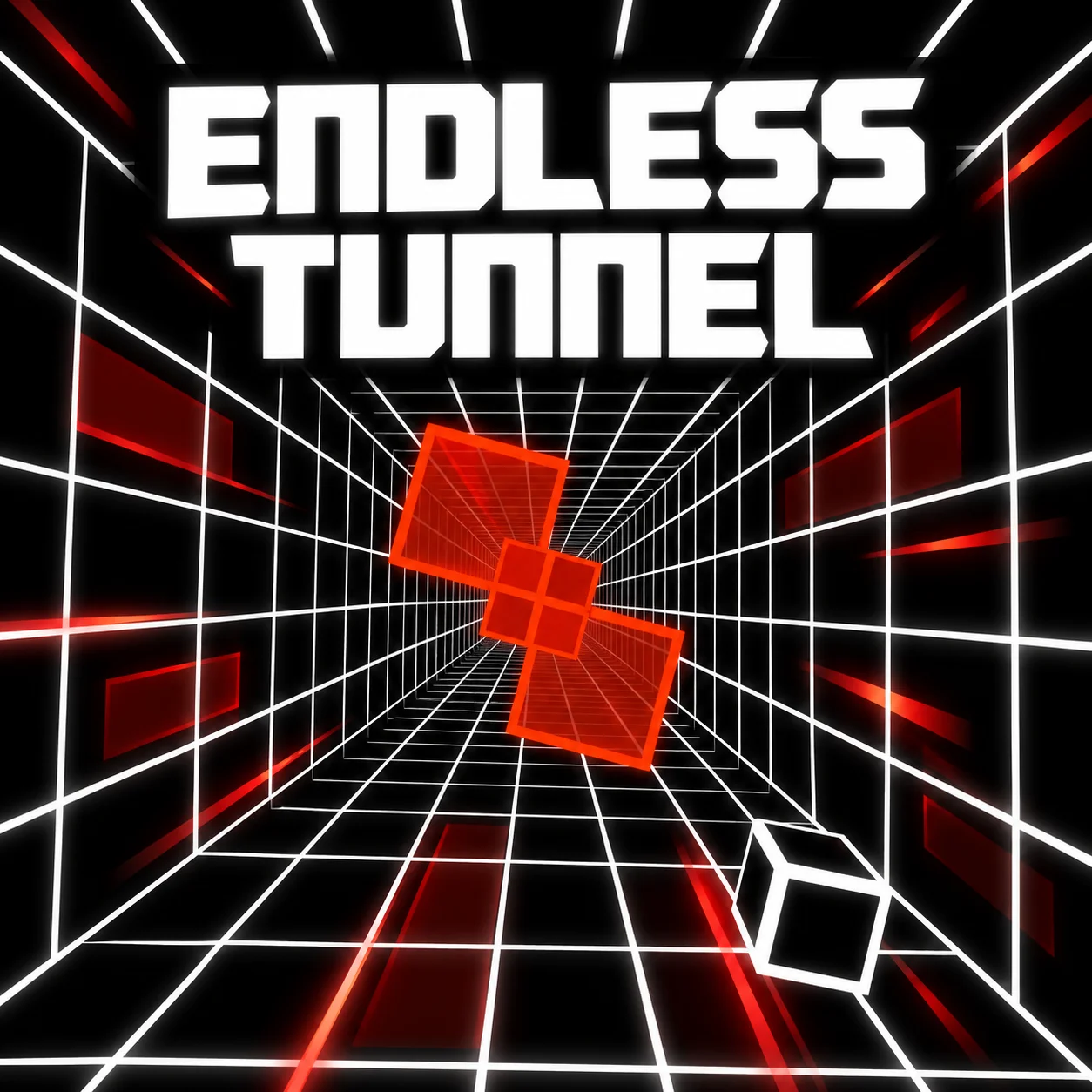
Endless Tunnel starts from one clear idea: steering a cube around red obstacles in a tunnel.
The game builds an endless runner around it.
Steer the cube with Left and Right to keep it away from the red obstacles.
The cube is already moving through the tunnel, so the main task is choosing the next safe opening. continuous movement turns the problem into a moving route rather than a stationary one.
How to Play Endless Tunnel
- Steer the cube with Left and Right to keep it away from the red obstacles.
- The cube is already moving through the tunnel, so the main task is choosing the next safe opening.
- The route keeps moving, so each action should leave enough room for the following section.
- Do not wait until the obstacle is directly in front if the movement system needs time to change direction.
Controls
Endless Tunnel uses a single input — Left/Right Arrow — so a desktop or laptop browser is a comfortable way to play.
Red Blocks Are the Only Thing You Need to Read
Endless Tunnel strips the route down to a moving cube and red obstacles. Left and right are enough to steer, leaving you to concentrate on the next opening. the simple input hides a more specific decision about what the mechanic needs before the action happens.
That gives you a clear reference point for the next Endless Tunnel attempt.
Small Corrections Beat Big Swerves
Because the cube is already moving through the tunnel, large last-second movements are harder to recover from.
The useful skill is spotting the next safe gap early.
A controlled attempt starts by preparing the mechanic before the action happens rather than reacting afterward.
Preparing for the consequence is usually more reliable than correcting the situation after it appears. The difference becomes most visible in Endless Tunnel when the screen gets busy, the route narrows, or the available choices start to shrink.
The Cube and the Tunnel Move at the Same Time
You is not steering a stationary object toward fixed targets. The cube is already advancing through the corridor, so the next gap has to be read while the whole route is moving.
A good way to read Endless Tunnel is to notice how its mechanic can be prepared before the action happens.
That gives you a clear reference point for the next Endless Tunnel attempt.
If a Endless Tunnel attempt fails, compare the setup immediately before the action with the setup that worked instead of repeating the same input.
Practical Tips
- Make small left-right corrections early; the cube has less room to recover beside a red block.
- Look at the next obstacle before committing to the current movement.
- Use the center or the side with the most recovery space when the route gives you a choice.
- When Endless Tunnel fails, identify the input that removed your recovery space instead of simply trying to move faster.
FAQ
What is the main goal in Endless Tunnel?
The game combines steering a cube around red obstacles in a tunnel.
Which controls do you use in Endless Tunnel?
Use Left/Right Arrow.
What is the core challenge?
Steer the cube with Left and Right to keep it away from the red obstacles.
What should you know about Red Blocks Are the Only Thing You Need to Read?
Endless Tunnel strips the route down to a moving cube and red obstacles.
What should you know about Small Corrections Beat Big Swerves?
Because the cube is already moving through the tunnel, large last-second movements are harder to recover from.
What is a useful beginner tip?
In your first few attempts, make small left-right corrections early; the cube has less room to recover beside a red block.
What changes once you get more comfortable with the game?
Once the basics are familiar, you is not steering a stationary object toward fixed targets.
More Games Like This

Curve Ball 3D

Dark Runner

Dragon Vs Bricks
Endless Truck

Flip Runner
Flood Runner 2

Flood Runner 3

Football Run

Fred Running
Geometry Dash 3D

Jumping Shell